Creating forms can be a tedious task, especially when you want them to look professional and be easy to use. Fortunately, there are tools available that simplify this process significantly. With the right software, you can design forms that meet your needs effortlessly.
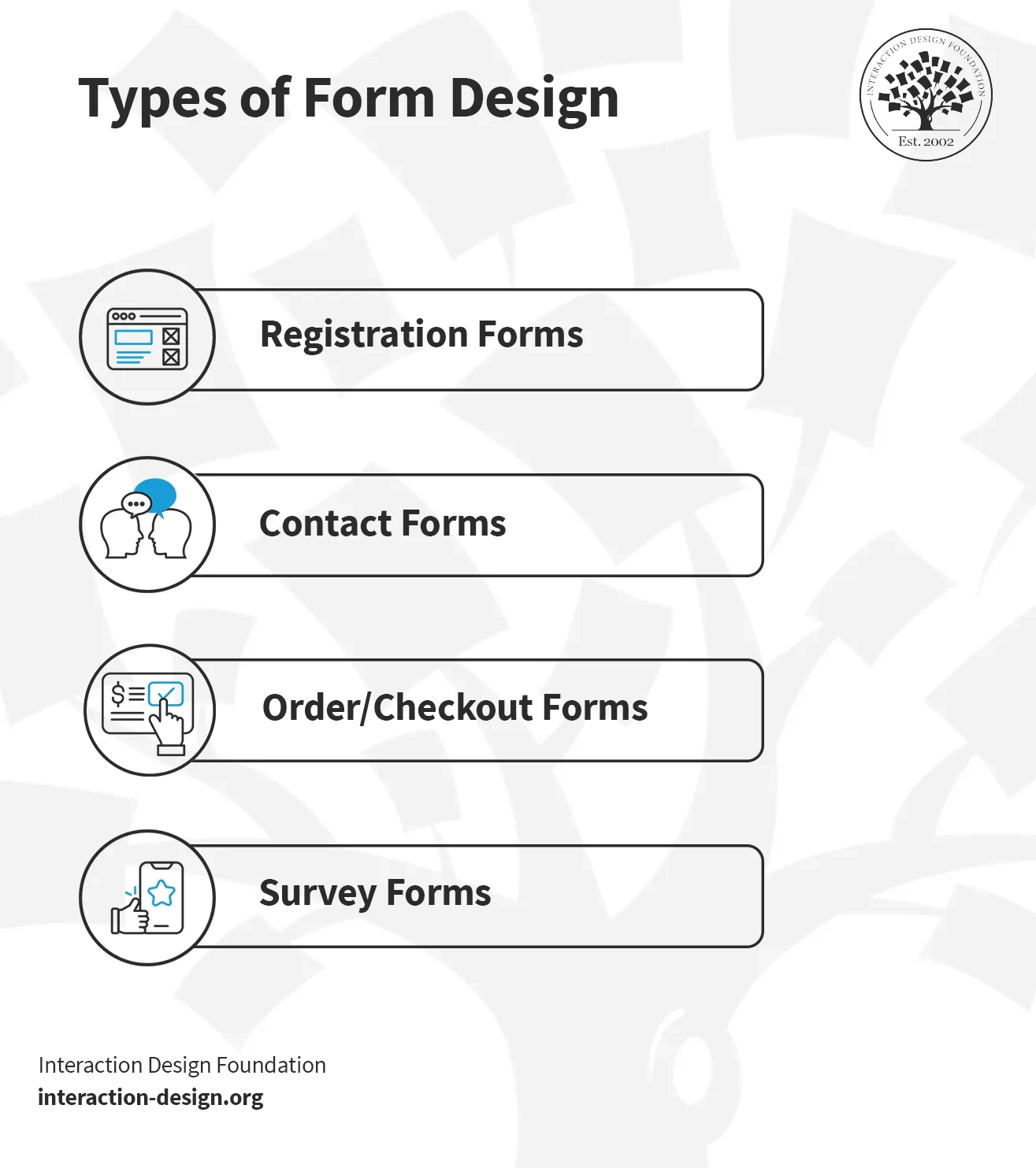
Form Design Software Printable Mac
Form Design Software Printable Mac
Form design software for Mac offers a variety of features that make it easy to create customized forms. You can choose from templates or start from scratch, ensuring your forms reflect your unique style and requirements.
Many of these applications allow you to add fields, checkboxes, and dropdown menus with just a few clicks. This flexibility ensures that your forms are not only functional but also visually appealing.
Another advantage of using printable form design software is the ability to export your creations in various formats. Whether you need PDFs for printing or digital versions for online use, these tools have you covered.
Additionally, some software options include collaboration features. This means you can work with team members in real-time, making it easier to gather input and finalize designs quickly.
Choosing the right form design software can greatly enhance your workflow. With user-friendly options available for Mac users, creating professional forms has never been easier or more enjoyable.
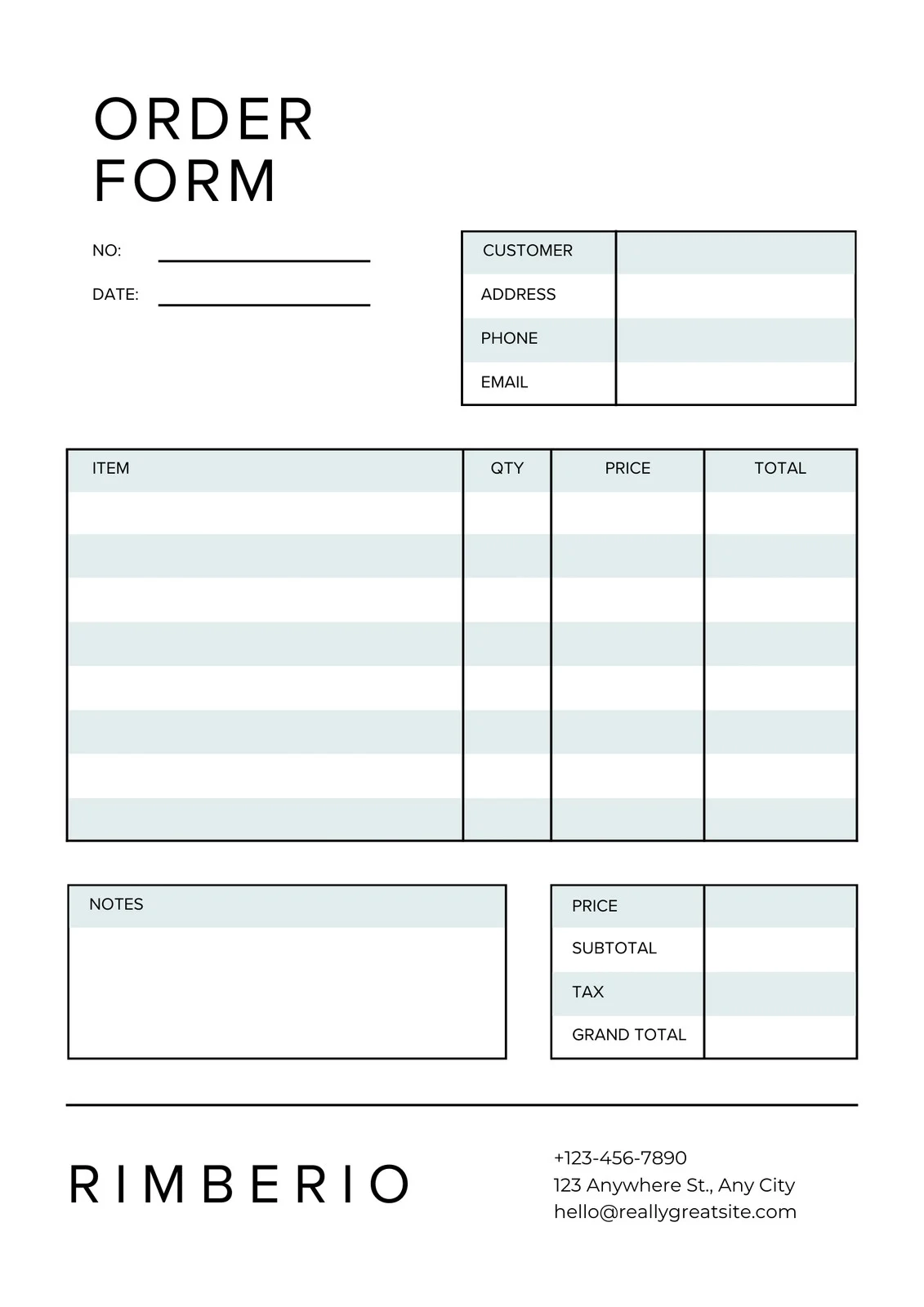
Free Form Document Templates To Customize And Print Canva
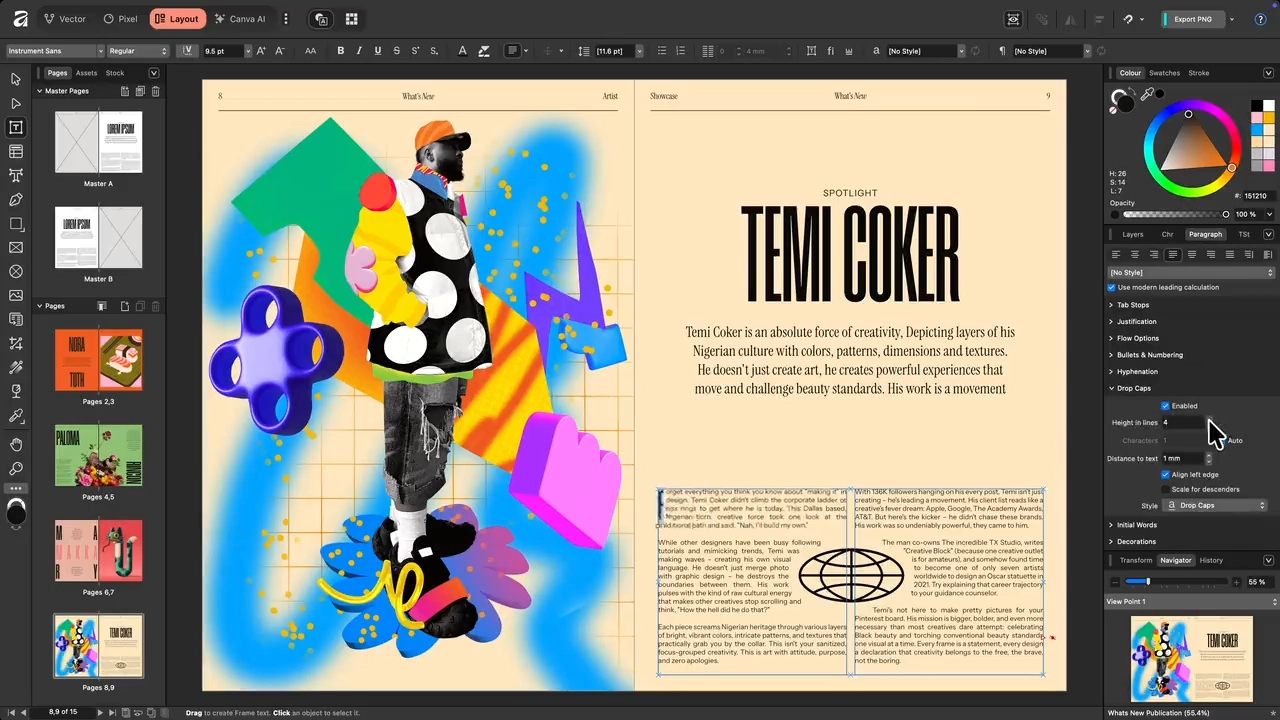
Page Layout Software Design Without Limits Affinity
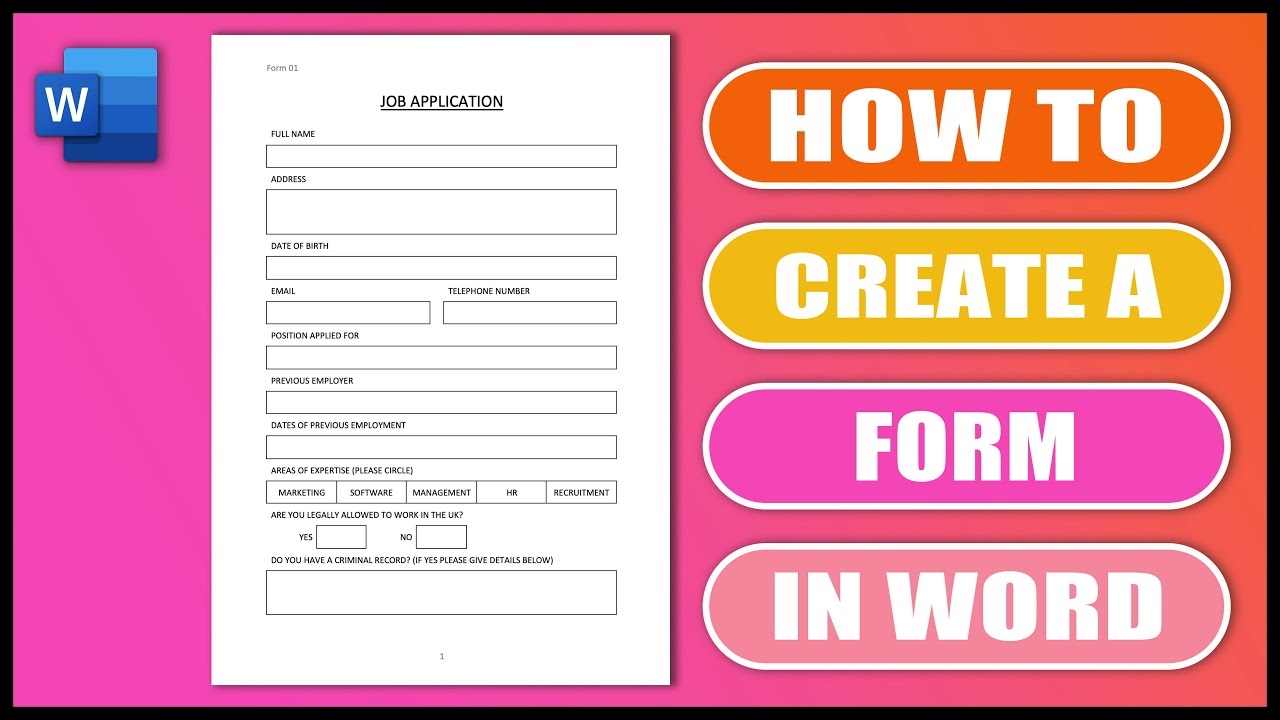
HOW TO CREATE A FORM IN WORD Make A Printable Form In Word
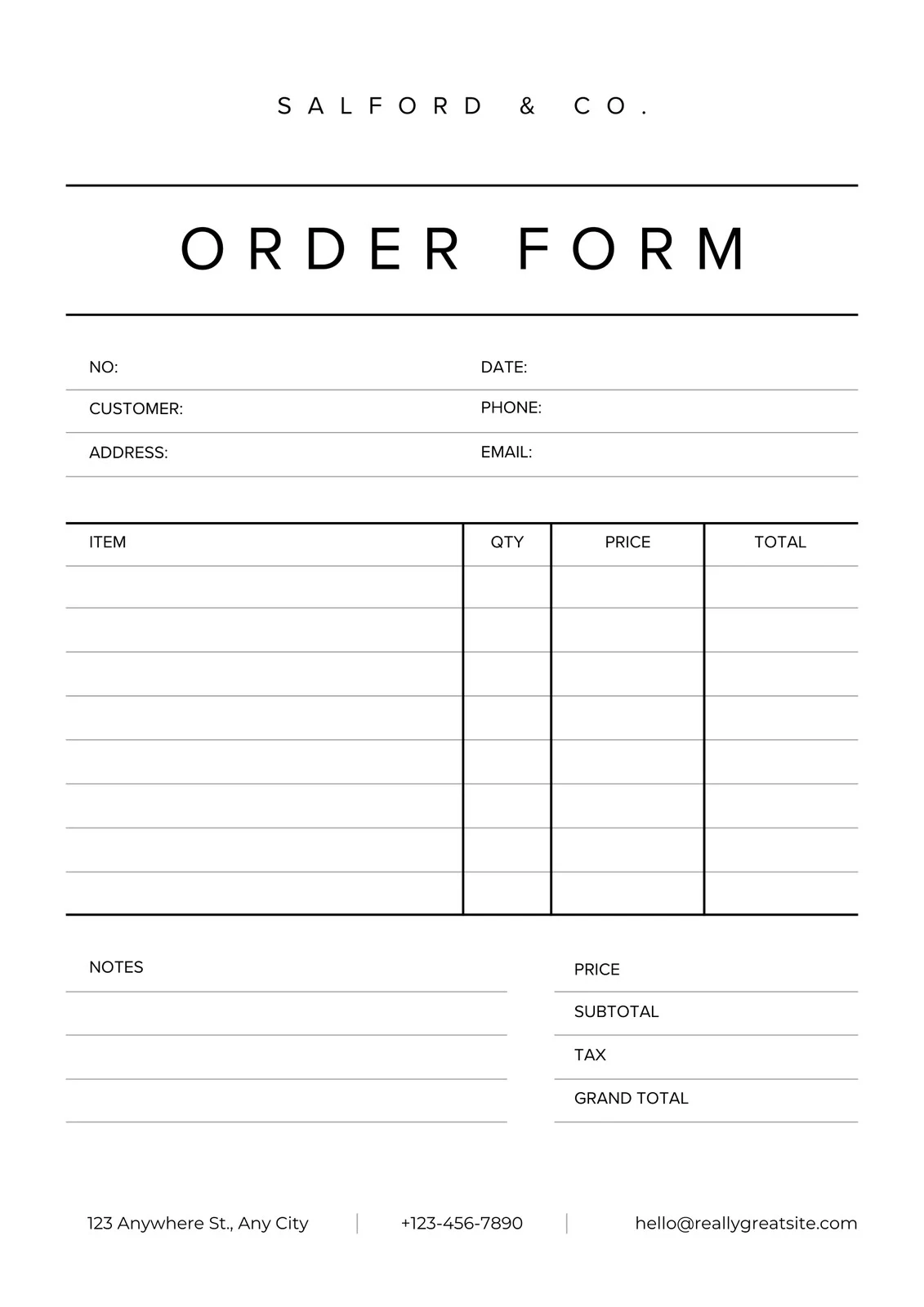
Free Form Document Templates To Customize And Print Canva
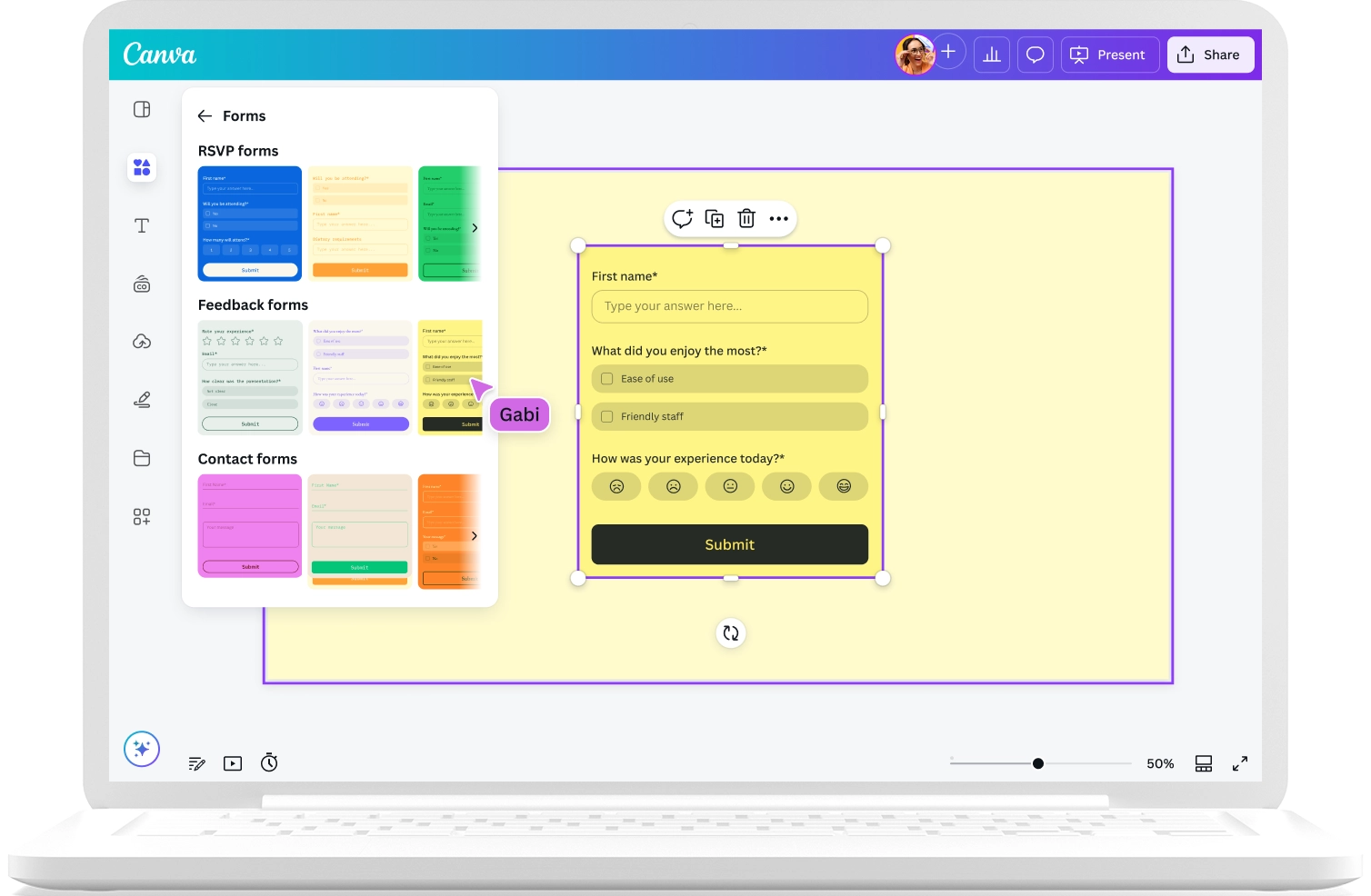
Free Online Forms Canva